How do I access the Recite Me accessibility toolbar?
Desktop
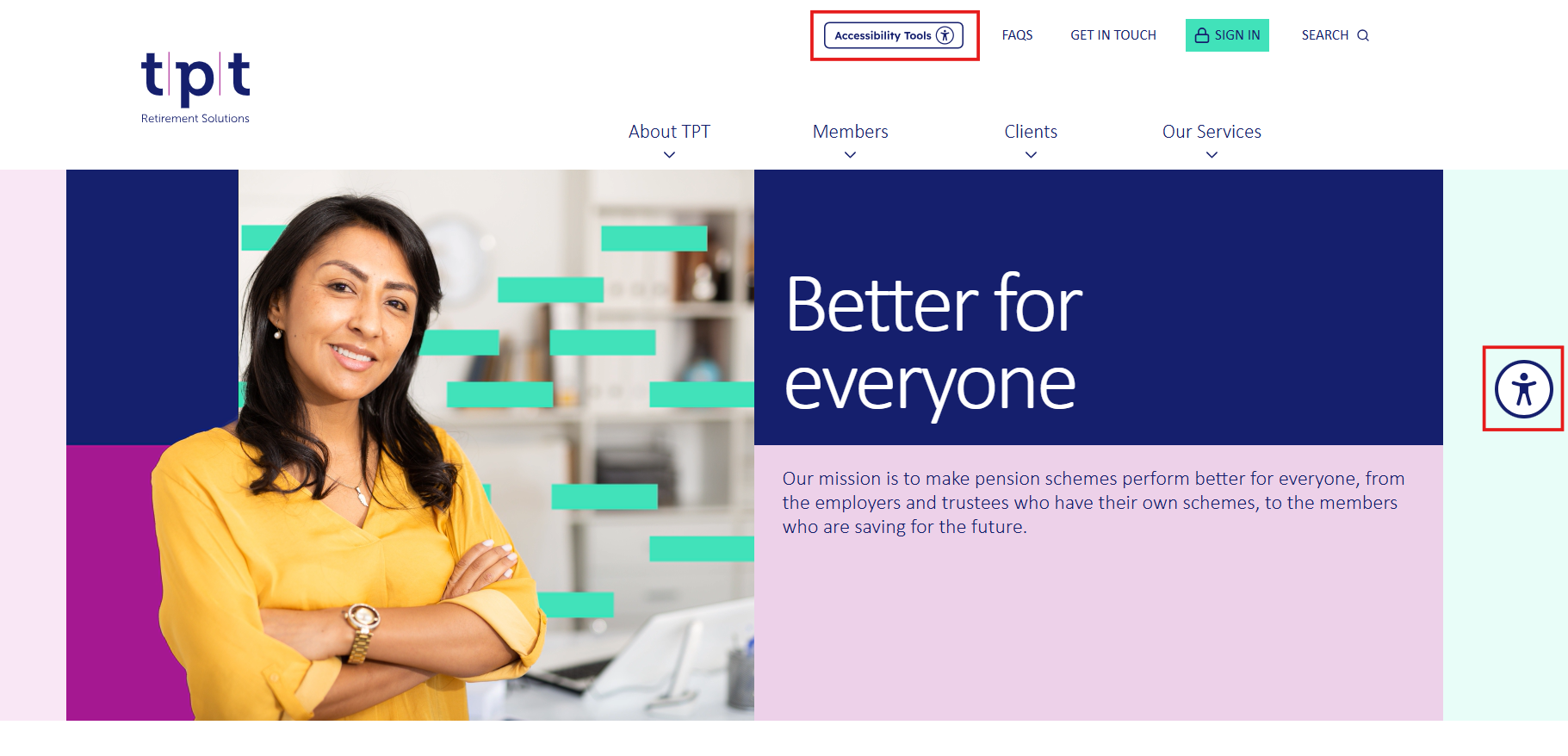
You can access the toolbar by:
- Selecting the Accessibility Tools button in the website header, or
- Selecting the floating accessibility icon displayed on the right-hand side of the screen.
We've provided two access points to make the toolbar easy to find, regardless of where you are on the page. Both options open the same toolbar.
Mobile
Select the Accessibility Tools icon in the website header.